# Acurite Weather Station Installation Guide
Installing an Acurite weather station can be a rewarding experience, providing you with accurate and real-time weather data right from your backyard. Whether you’re a weather enthusiast or simply want to keep track of local conditions, this guide will walk you through the installation process step by step.
## Choosing the Right Location
Before you start the installation, it’s crucial to select the right location for your Acurite weather station. The placement of your sensors can significantly impact the accuracy of the data collected.
### Outdoor Sensor Placement
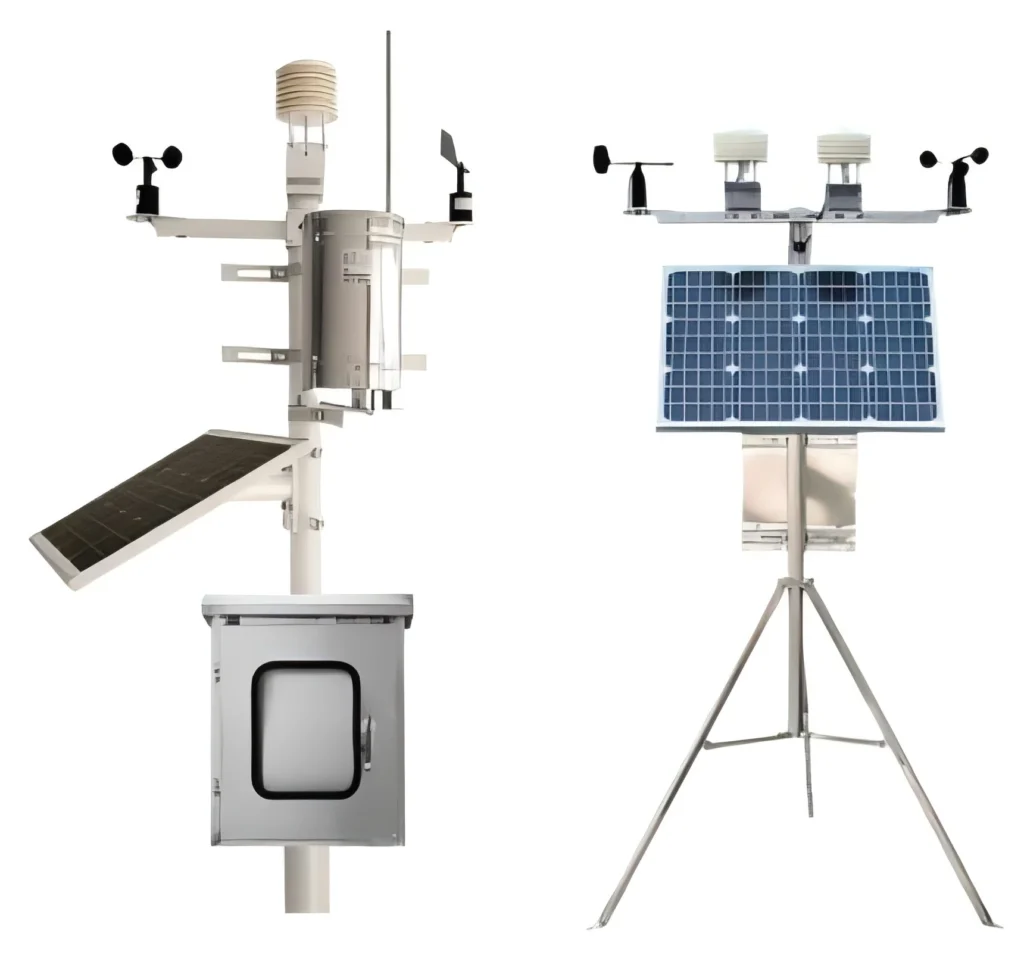
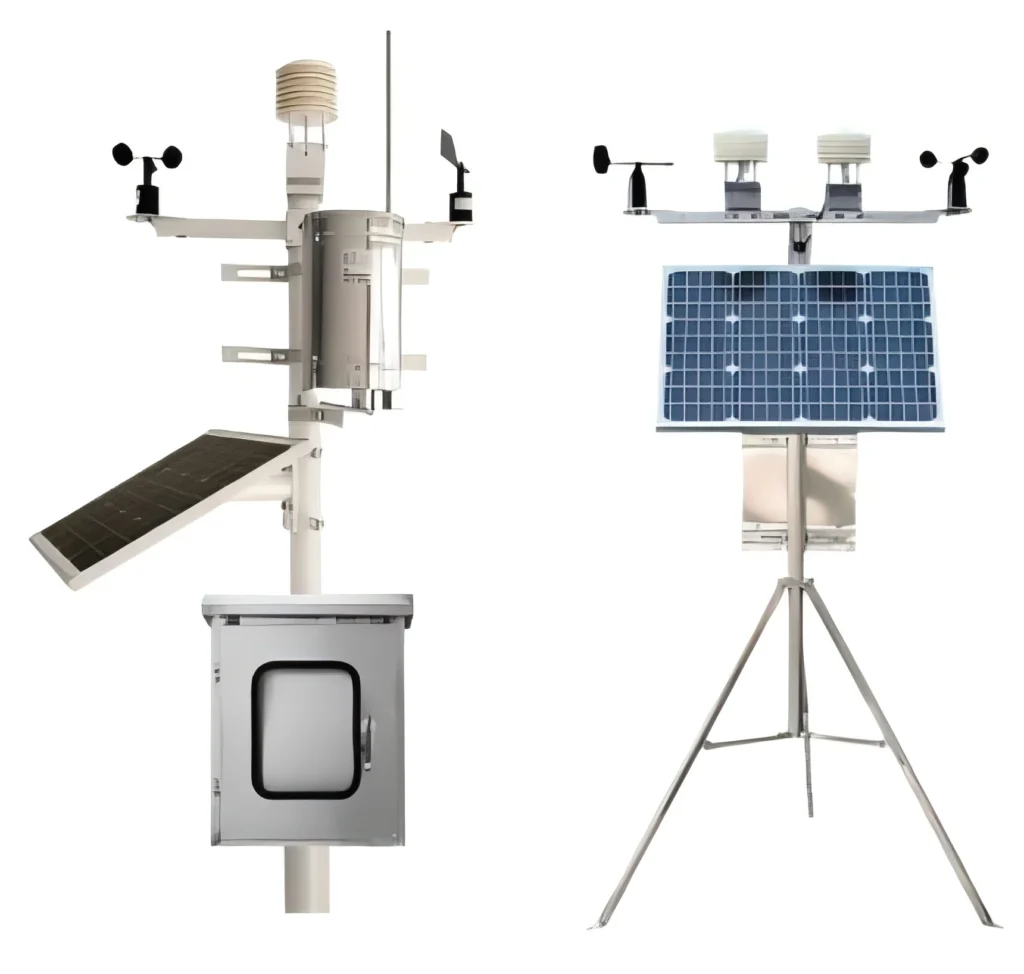
The outdoor sensor should be placed in an open area, away from obstructions like trees, buildings, and other structures that could block wind or sunlight. Ideally, the sensor should be mounted at a height of 5 to 6 feet above the ground to avoid interference from ground heat and to ensure accurate temperature readings.
### Indoor Display Placement
The indoor display unit should be placed in a location where it can easily be viewed and accessed. Avoid placing it near heat sources, windows, or electronic devices that could interfere with the signal from the outdoor sensor.
## Mounting the Outdoor Sensor
Once you’ve chosen the perfect location, it’s time to mount the outdoor sensor. Acurite weather stations typically come with mounting hardware, including screws and brackets.
### Step 1: Assemble the Mounting Bracket
Start by assembling the mounting bracket according to the instructions provided. Ensure that all screws are tightened securely to prevent the sensor from falling or shifting over time.
### Step 2: Attach the Sensor to the Bracket
Next, attach the outdoor sensor to the mounting bracket. Make sure the sensor is securely fastened and positioned correctly to capture accurate weather data.
### Step 3: Mount the Bracket
Using the screws provided, mount the bracket to a stable surface such as a wall, fence, or pole. Ensure that the bracket is level and firmly attached to prevent any movement that could affect the sensor’s readings.
## Setting Up the Indoor Display
With the outdoor sensor in place, it’s time to set up the indoor display unit.
### Step 1: Insert Batteries
Most Acurite weather stations require batteries for the indoor display. Insert the batteries according to the instructions, ensuring they are properly seated and the correct polarity is observed.
### Step 2: Power On the Display
Once the batteries are inserted, power on the display unit. It should automatically start searching for the signal from the outdoor sensor. This process may take a few minutes.
### Step 3: Sync the Sensors
If the display does not automatically sync with the outdoor sensor, you may need to manually initiate the sync process. Refer to the user manual for specific instructions on how to do this.
## Calibrating Your Weather Station
After installation, it’s a good idea to calibrate your Acurite weather station to ensure the most accurate readings.
### Temperature Calibration
Compare the temperature readings from your Acurite weather station with a reliable source, such as a local weather station or a trusted thermometer. If there is a discrepancy, adjust the calibration settings on your display unit accordingly.
### Humidity Calibration
Similarly, compare the humidity readings with a known accurate source. Adjust the calibration settings if necessary to match the accurate readings.
## Maintaining Your Weather Station
Regular maintenance is essential to keep your Acurite weather station functioning optimally.
### Cleaning the Sensors
Periodically clean the outdoor sensors to remove any dirt, dust, or debris that could affect their performance. Use a soft cloth and avoid using harsh chemicals.
### Checking Battery Levels
Regularly check the battery levels in both the outdoor sensor and the indoor display. Replace the batteries as needed to ensure continuous operation.
### Inspecting Mounting Hardware
Inspect the mounting hardware periodically to ensure it remains secure and stable. Tighten any loose screws or brackets as necessary.
By following this Acurite Weather Station Installation Guide, you’ll be well
Keyword: acurite weather station installation