# Acurite Weather Station Installation Guide
Installing an Acurite weather station can be a rewarding experience, providing you with accurate and real-time weather data right at your fingertips. Whether you’re a weather enthusiast or simply want to keep track of local conditions, this guide will walk you through the installation process step by step.
## Choosing the Right Location
Before you start the installation, it’s crucial to choose the right location for your Acurite weather station. The accuracy of your weather data depends heavily on where you place the sensors.
– **Avoid Obstructions**: Ensure that the sensors are placed away from buildings, trees, and other obstructions that could interfere with readings.
– **Elevation**: Mount the sensors at a height of 5 to 6 feet above the ground for optimal performance.
– **Sun Exposure**: Place the temperature sensor in a shaded area to prevent direct sunlight from affecting the readings.
## Unboxing and Preparing the Components
Once you’ve selected the perfect spot, it’s time to unbox your Acurite weather station and prepare the components for installation.
– **Check the Contents**: Ensure that all components, including the display console, sensors, mounting hardware, and user manual, are present.
– **Read the Manual**: Familiarize yourself with the user manual to understand the setup process and any specific requirements for your model.
– **Charge or Insert Batteries**: Most Acurite weather stations are battery-powered. Make sure to insert or charge the batteries as per the instructions.
## Mounting the Sensors
Mounting the sensors correctly is essential for accurate weather data collection.
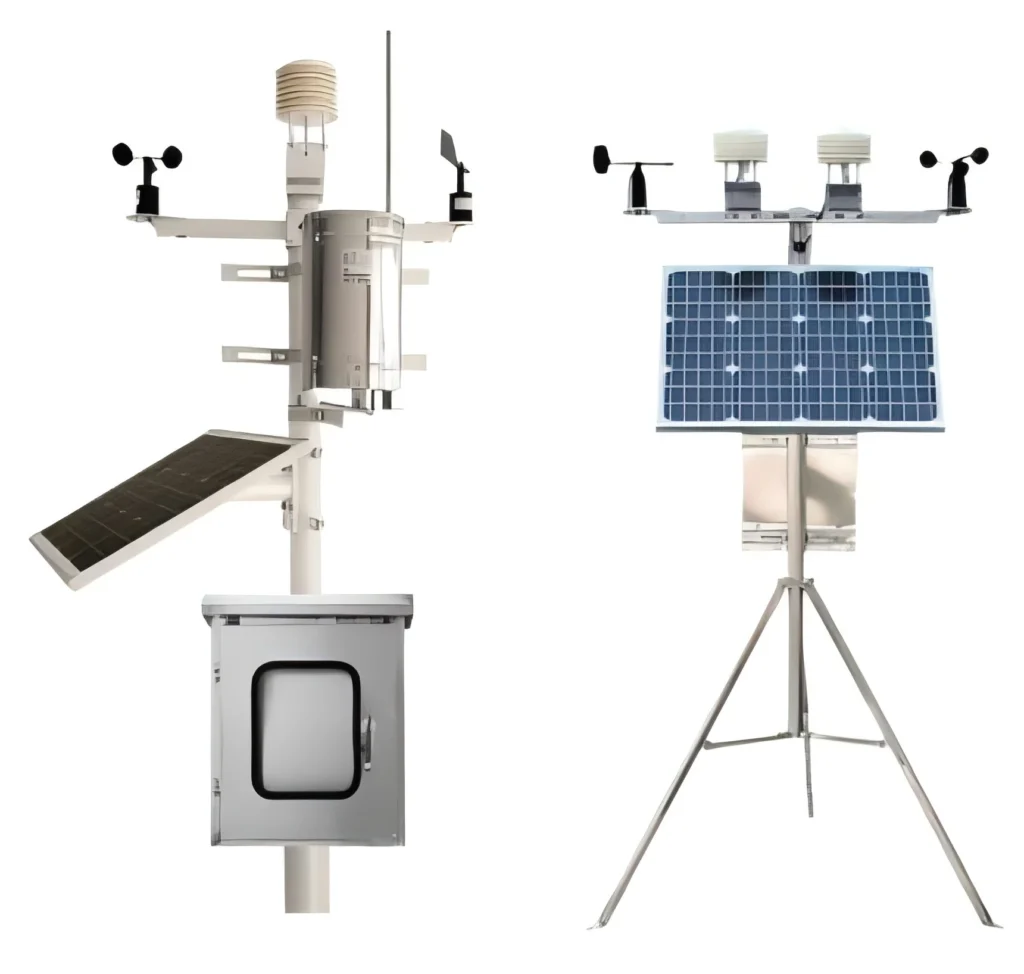
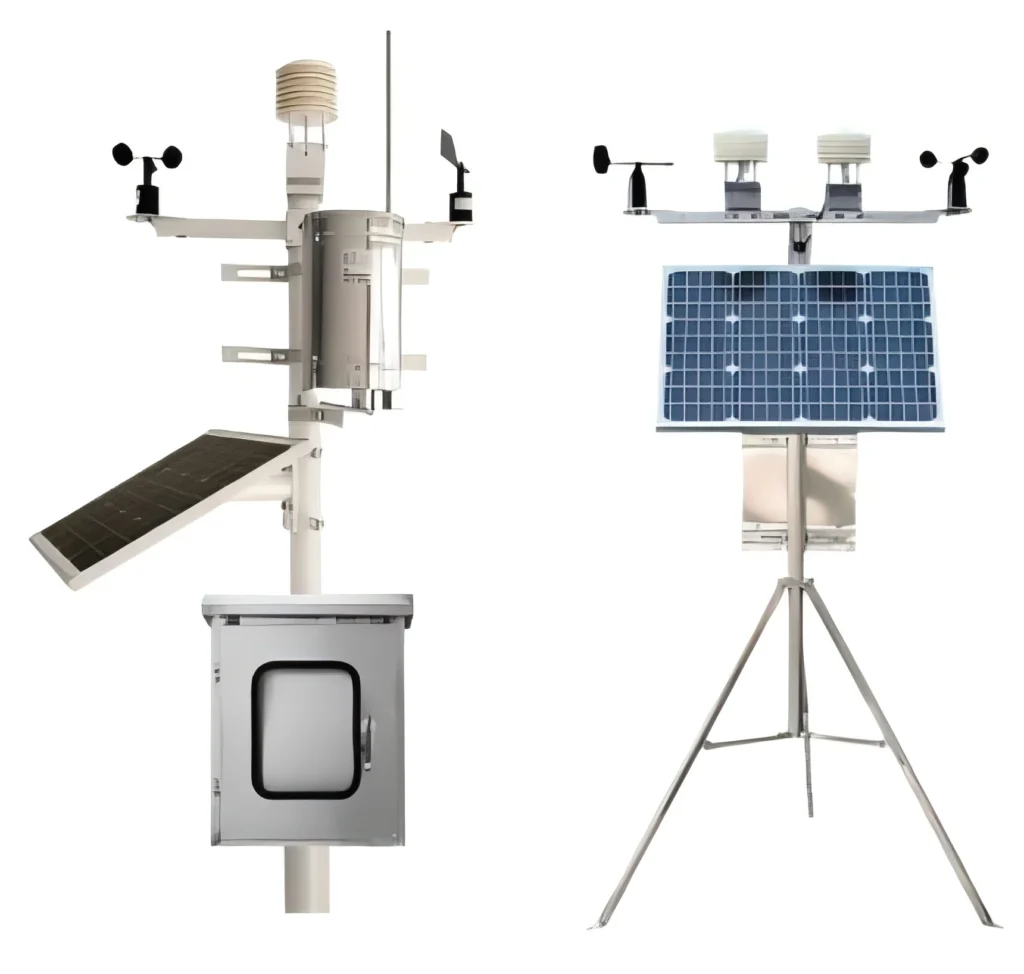
– **Temperature and Humidity Sensor**: Attach the sensor to a pole or wall using the provided mounting hardware. Ensure it’s placed in a shaded area.
– **Rain Gauge**: Position the rain gauge in an open area, away from any obstructions that could block rainfall.
– **Wind Sensor**: Mount the wind sensor on a pole or rooftop, ensuring it’s at least 5 feet above any nearby structures.
## Setting Up the Display Console
The display console is the hub of your Acurite weather station, where you’ll view all the collected data.
– **Placement**: Position the console indoors, within range of the sensors. Avoid placing it near electronic devices that could cause interference.
– **Power On**: Insert the batteries or plug in the console, then power it on.
– **Sync the Sensors**: Follow the instructions in the manual to sync the sensors with the console. This usually involves pressing a sync button on both the console and the sensors.
## Calibrating and Testing
After installation, it’s important to calibrate and test your weather station to ensure accurate readings.
– **Calibration**: Use the calibration settings in the console to fine-tune the readings. This may involve adjusting for altitude, temperature offsets, or other factors.
– **Testing**: Monitor the readings for a few days to ensure consistency. Compare the data with local weather reports to verify accuracy.
## Troubleshooting Common Issues
If you encounter any issues during or after installation, here are some common troubleshooting tips:
– **No Signal**: Ensure that the sensors are within range of the console and that there are no obstructions.
– **Inaccurate Readings**: Double-check the placement of the sensors and recalibrate if necessary.
– **Battery Life**: Replace or recharge the batteries if the sensors or console are not functioning properly.
## Conclusion
Installing an Acurite weather station is a straightforward process that can greatly enhance your ability to monitor local weather conditions. By following this guide, you’ll be well on your way to enjoying accurate and reliable weather data from the comfort of your home. Happy weather watching!
Keyword: acurite weather station installation